


Luckycapone Mobile App
The Luckycapone app has all the features of a casino in a mobile format. The Luckycapone software gives you full access to amazing games and generous bonuses available in the PC and web browser versions. It is designed for superior performance. Players can use all the casino tools through the Luckycapone app without any restrictions.



Download Luckycapone for Desktop
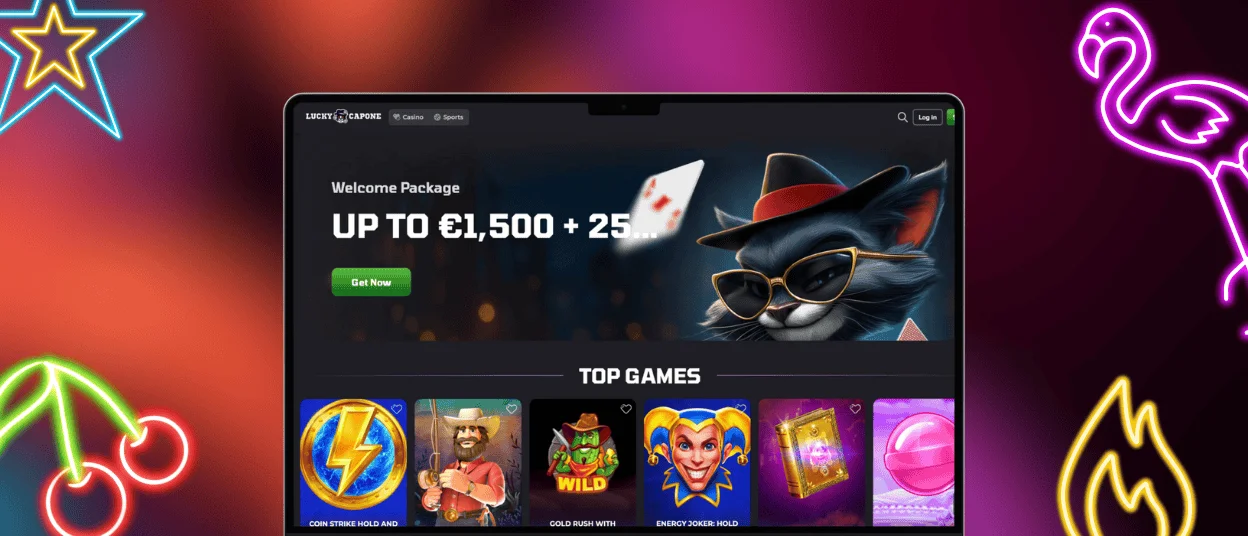
The Luckycapone app for desktop gives players quick access to the casino without installation. The desktop app is compatible with both Windows and Mac and works like a web app. Our web application can be added as a shortcut to your desktop. Once created, this shortcut opens Luckycapone as a separate application with a single click.
The desktop version is fully optimized for large screens and runs with high-quality graphics and streaming. Players have full access to the casino: they can play games and manage their accounts with the same gaming experience. Luckycapone for desktop computers offers the same features as the browser and mobile versions, but with the convenience of a desktop computer.
Lucky Capone App for Android Devices
The Luckyсapone app for Android devices provides quick access to the casino. The app is designed as a modern Luckycapone PWA. On Android phones and tablets, you don’t need to download the usual Luckycapone APK to make it work. Installation is instant and does not take up extra space in the device’s memory.
The Android software has all the features of the desktop and browser versions, such as games, payments, and promotions. The main advantage of our PWA is that users can receive notifications about all updates. For example, we will send you a notification when you receive VIP status, when your position in the tournament changes, or when there are updates to your favorite games. The Lucky Capone app for Android runs smoothly and loads quickly on any device.
How to Install the App
- Scroll to the app button on the Lucky Capone website and select Install.
- Confirm installation.
- Access it from your home screen.
If you have any issues or questions about the installation process or otherwise, contact our support team via live chat or e-mail.
Benefits of the Luckycapone App
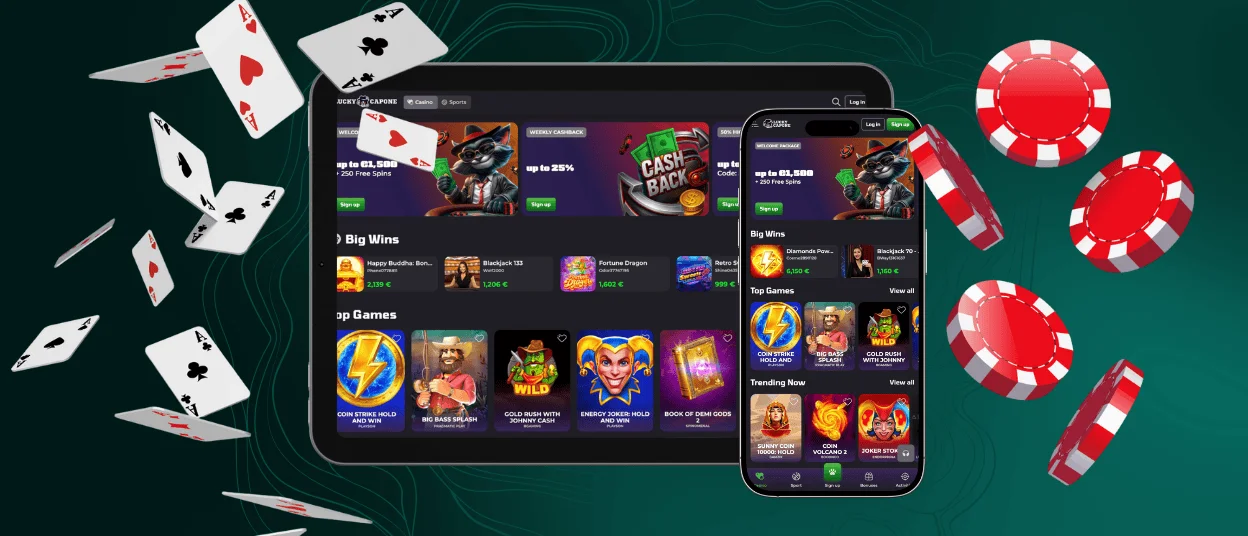
The Luckycapone app provides access to the casino with maximum flexibility. It has the same basic features as the PC version, but with the convenience of mobile gaming. The software is designed for portability and touchscreen control for gaming on the go. The PC version benefits from a larger screen, while the Luckycapone app stands out for its quick access. Both versions support full account management and all other features, such as the verification process.
| Aspect | Luckycapone App | PC Version |
| Mobility | Access the mobile casino anywhere | Fixed to a desktop location |
| Controls | Touch-based navigation | Mouse and keyboard input |
| Access Speed | Opens instantly from the home screen | Requires a browser or a shortcut |
| Screen Experience | Optimized for smaller displays | Larger view for detailed visuals |
| Updates | In-app alerts and notifications | Manual checking required |
| Platform Access | All features available | All features available |
Mobile Application for iPhones and iPads
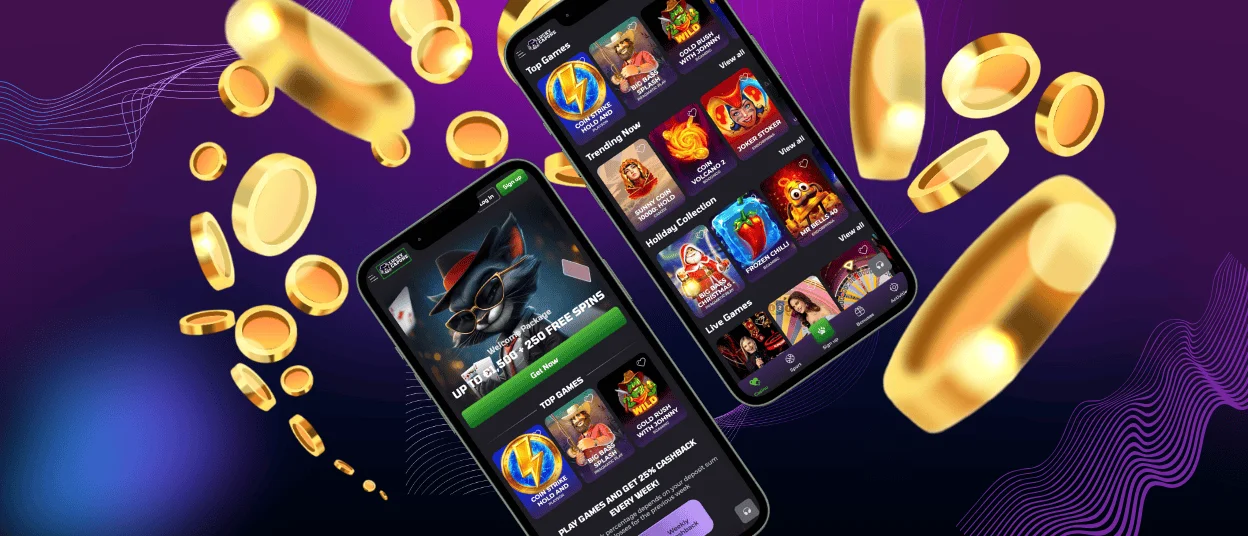
The Luckycapone software for iPhone and iPad works with all casino features on iOS devices. The app launches through the Safari browser and works as a progressive web app. There is no need to download anything from the App Store or install large files. This configuration supports faster loading and stable operation of all games. Once added to the home screen, the Luckycapone app is available with a single tap. The software offers notifications about promotions, tournaments, and important account updates. Players can play online slots, table games, and live casino games within the app.
How to Set Up the iOS App
- Open the Luckycapone website in Safari.
- Tap the Share icon.
- Select “Add to Home Screen.”
- Confirm and tap your icon on the home screen.
FAQ
Does the Android Version of the Luckycapone App Support Older OS Versions?
Yes, the Android version of the Luckycapone app supports a wide range of Android operating system versions. The software is designed as a progressive web app (PWA). PWAs work on most modern Android devices without strict software requirements. With an updated mobile browser and a stable internet connection, players can enjoy the casino without any problems.
How Much Storage Space Is Needed to Install the App on Mobile Devices?
Compared to regular software, the Luckycapone app doesn’t take up much space. It doesn’t handle large files or data because it is a PWA rather than a full software package. The app only saves the interface elements and shortcuts that it needs, so it doesn’t take up much space on your device.
Does the Lucky Capone App Include Offline Modes or Require a Constant Internet Connection?
The Luckycapone app requires a constant internet connection to work properly. All online slots, table games, and live dealer games, as well as transactions, tournaments, and other features, are based on real-time data and a secure connection to the server. Offline modes are not available, as the entire gaming process takes place online.


